
If this is your first Christmas project with a Cricut, choose something that teaches one skill at a time. A simple stamp or word design is easier to understand than a layered shadow box with several pieces to align. These five Creative Fabrica projects range from quick labels to more involved paper crafts, with a practical order for trying them.
Five projects, ordered from simpler to more involved
| Project | Material to consider | Skill to practice | Relative effort |
|---|---|---|---|
| Express Delivery from the North Pole | Adhesive vinyl, cardstock, or printable use if the file supports it | One-color placement and sizing | Low |
| Believe Christmas Craft | Cardstock or vinyl | Letter spacing and optional color layers | Low–medium |
| Christmas Ornaments Line Art | Cardstock or vinyl | Repeating shapes and small line details | Medium |
| Christmas Cracker Template | Cardstock | Cut versus score lines and folding | Medium–high |
| Christmas HOME Shadow Box | Layer order, spacing, and assembly | Highest of the five |
Five project ideas in more detail
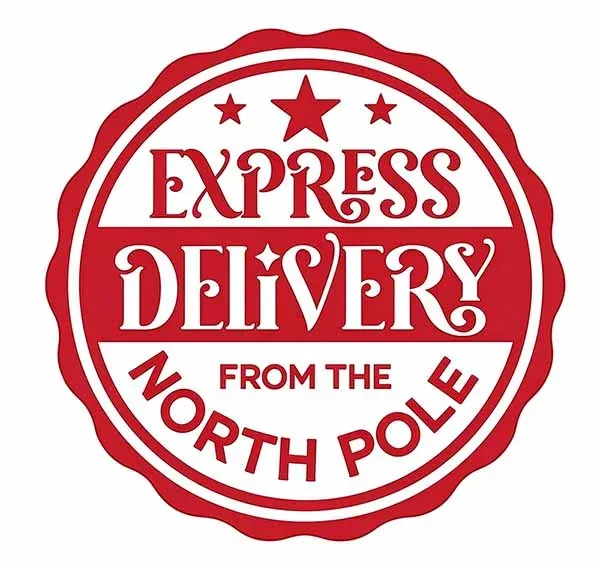
Best first cut · gift tags and packaging
1. Express Delivery from the North Pole
The stamp-style design has a clear purpose: gift tags, wrapping labels, envelopes, or a small seasonal sign. The linked Creative Fabrica listing describes SVG, transparent PNG, EPS, and DXF formats. For a first project, the SVG is the likely starting point if you want to cut the design from vinyl or cardstock.
Beginner tip: Start with a single-color version and make it large enough for the smallest letters to remain readable. If you use it on a gift tag, test the design on scrap cardstock before cutting a whole sheet.

Best short phrase · cards and signs
2. Believe Christmas Craft
A single word is easier to position than a long quote, and this design adds seasonal details without turning into a full illustration. The linked craft listing identifies SVG, transparent PNG, EPS, and DXF formats.
Beginner tip: Decide whether you want a one-color cut or a layered project before opening the mat preview. If the design is layered, check that the color pieces have enough overlap to align cleanly. Keep the first version simple and add extra colors after you understand the process.
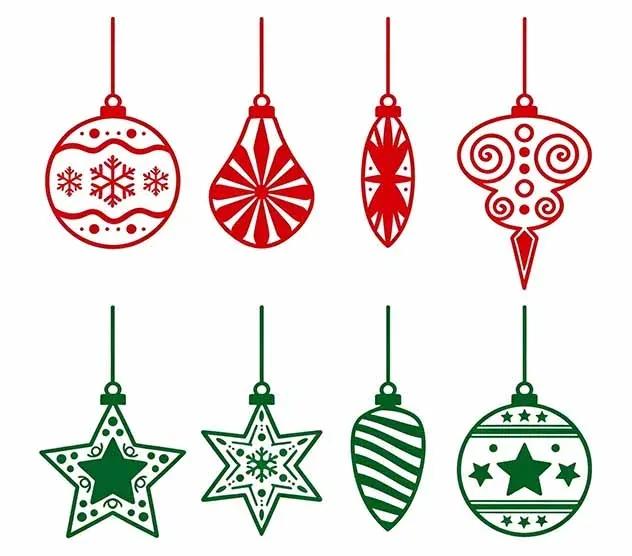
Best repeatable motif · cards and labels
3. Christmas Ornaments Line Art
A set of ornament outlines gives you more than one way to use the same visual theme: a card border, a gift label, or a small repeated pattern. The linked Creative Fabrica listing describes SVG, transparent PNG, EPS, and DXF formats.
Beginner tip: Do not shrink every ornament until the narrow gaps become hairline details. Try one motif first, then duplicate it in Design Space. If you want a drawn outline rather than a cut shape, check the Operation setting and choose Draw where appropriate.
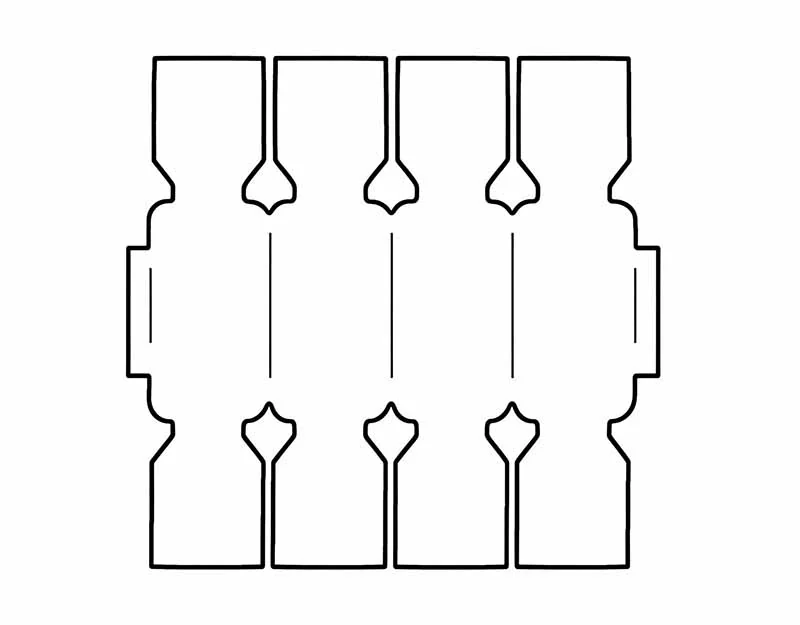
Best paper-folding lesson · cardstock
4. Christmas Cracker Template
A paper cracker introduces a different skill from a decal: the cut shape has to fold and close into a three-dimensional object. The Creative Fabrica template listing identifies SVG, transparent PNG, EPS, and DXF formats, but the important part is how the fold guides are represented.
Beginner tip: Inspect the Layers panel before cutting. Lines meant to fold should be assigned to Score or Draw rather than left as full cuts. Check whether assembly instructions are included; if the product page does not explain the folds, make a plain-paper prototype before using decorative cardstock.

Most involved project · layered paper decor
5. Christmas HOME Shadow Box
The preview suggests a dimensional Christmas scene rather than a single flat decal. Shadow-box projects can be rewarding, but they involve more than cutting: you need to understand the layer order, spacing, backing, and how the pieces will be attached inside the frame.
Beginner tip: Treat this as a second or third project, not the first cut of the season. Before downloading, confirm the exact number of layers, finished dimensions, and whether an assembly guide is included. Test the layer stack with inexpensive paper before using specialty cardstock.
A simple first-project workflow
- Choose the blank first. Measure the gift tag, card, shirt, or sign so you know the finished size.
- Open the downloaded SVG. Confirm that the ZIP contains the format you expect and that the design imports correctly.
- Check the smallest details. Zoom in on narrow bridges, small counters, and decorative dots that may be hard to weed.
- Review the operations. Change fold guides to Score or Draw when needed. Keep cut lines and score lines separate.
- Run a test cut. Use scrap material and the correct material setting before cutting the final blank.
- Assemble slowly. For layered projects, keep pieces in order and use the preview as a reference.
Which material should you use?
Cardstock is a good fit for cards, tags, crackers, and shadow boxes. Adhesive vinyl is used for smooth surfaces such as glass, signs, and gift containers. Heat-transfer vinyl is used on compatible fabric blanks; mirror the mat when the HTV instructions call for it and follow the material maker's time, temperature, pressure, and care instructions. A PNG mockup does not tell you which material setting to choose.
License check before selling finished crafts
Creative Fabrica’s subscription license currently identifies version 1.6, effective April 10, 2026. Read the terms for the exact listing and confirm that the license covers your physical product and sales channel. Do not share or resell the original SVG or bundle. Craft files, Graphics, and Fonts can have different rules after a subscription ends.
Frequently asked questions
Are these five designs guaranteed to be free?
No. Creative Fabrica can show freebie, subscription, or other download options, and those offers can change. Check the current product page and checkout total before downloading.
Do all five include SVG, PNG, and DXF?
Do not assume that. Some linked craft listings identify SVG, transparent PNG, EPS, and DXF, but the included formats differ by item. Inspect the exact page and downloaded ZIP.
Can I sell the finished crafts?
Only if the license attached to the exact design permits the physical product and sales channel you plan to use. You cannot redistribute the original digital file as a substitute for a finished product.
What if a fold line imports as a cut line?
Open the Layers panel and change the relevant line to Score or Draw if that matches the template's intended construction. Make a paper prototype before cutting the final material.
Bottom line: Start with a small, single-layer project and build up to fold-and-assemble templates or shadow boxes. The first successful cut is more useful than buying the most elaborate design in the search results.